PostSignOff on your phone
PostSignOff works as an app on your phone — its own icon on your home screen, launching full-screen. No app store needed.
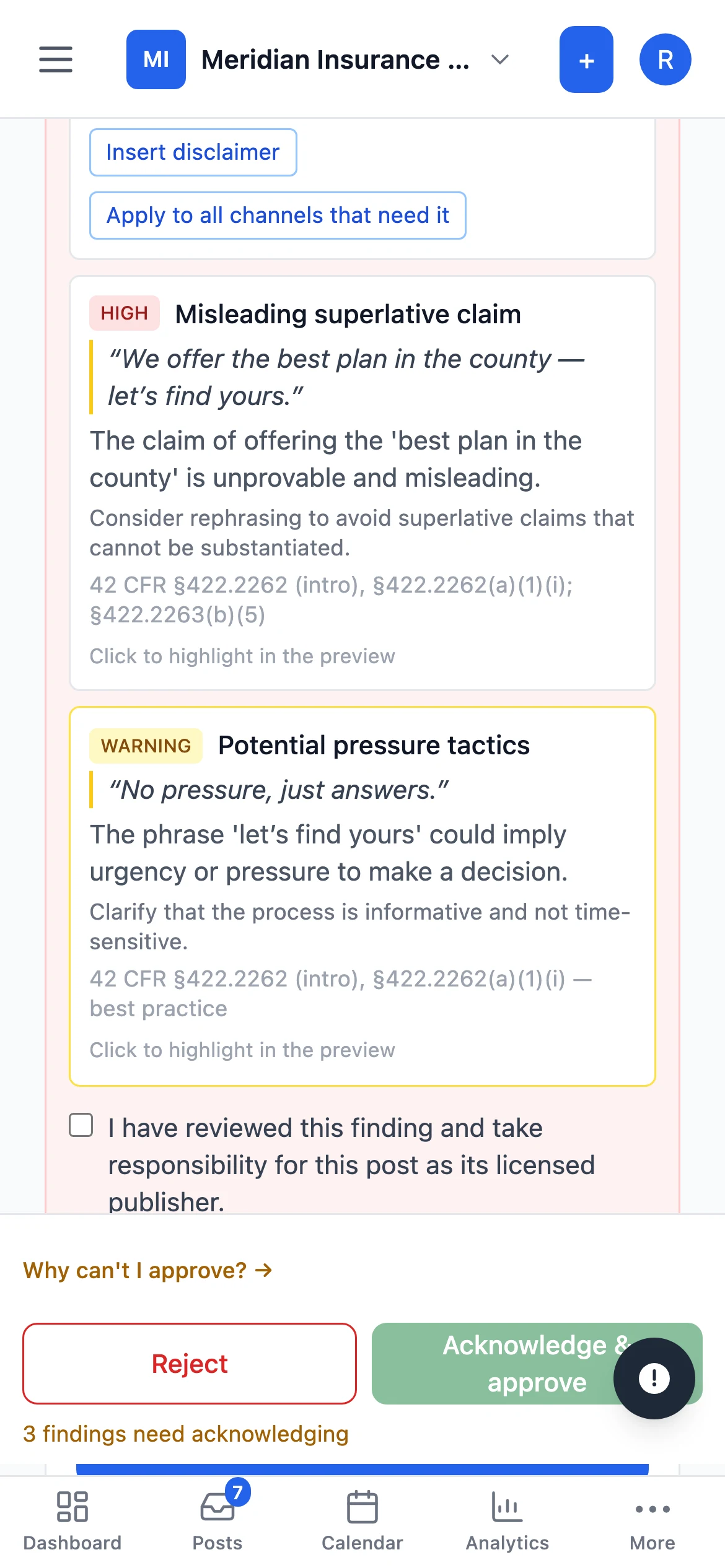
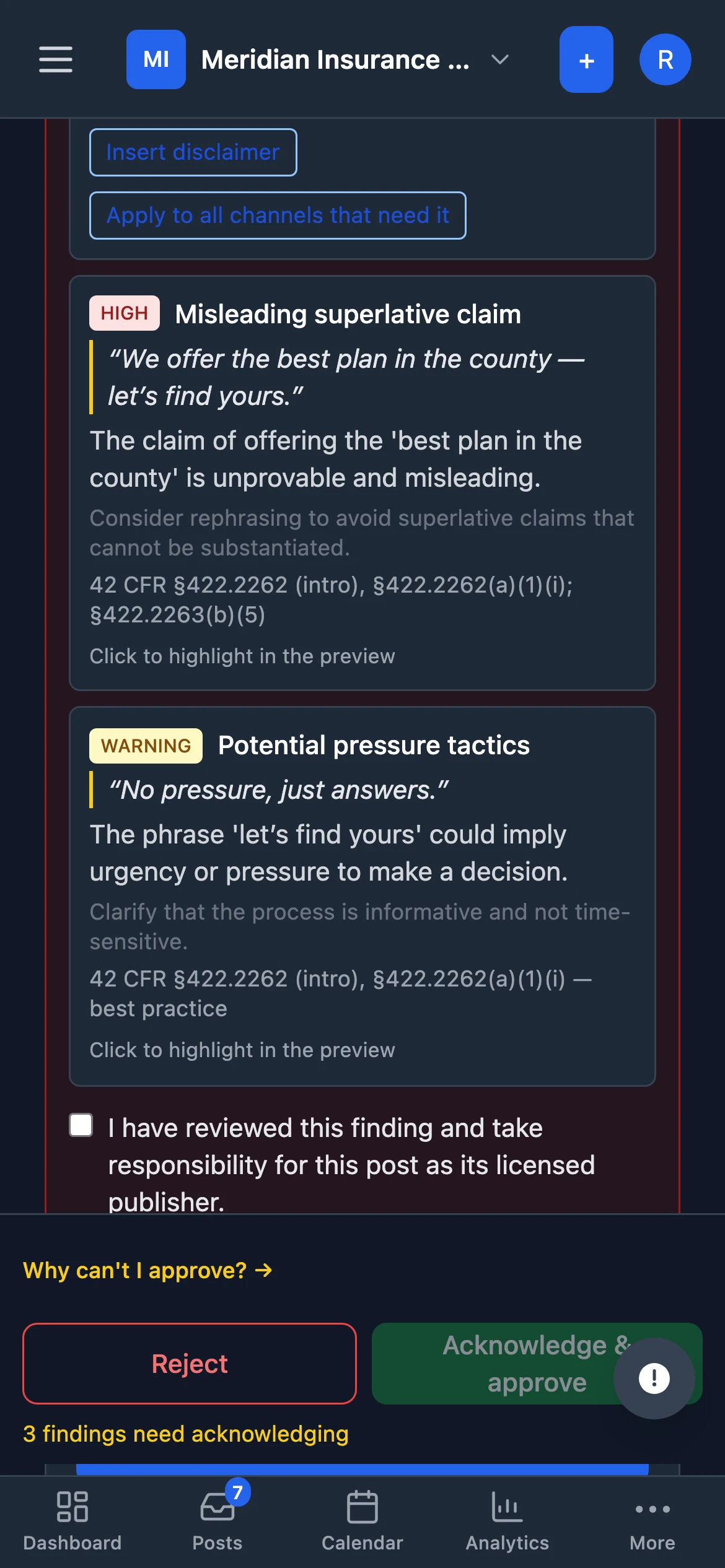
Open PostSignOff
Then add it to your home screen — the icon is created from the app itself, so open it first.
iPhone & iPad
- Tap Open PostSignOff above (in Safari).
- Tap the Share button.
- Choose Add to Home Screen, then Add.
Android
- Tap Open PostSignOff above (in Chrome).
- Tap Install when prompted — or the ⋮ menu, then Add to Home screen.